
Gallery
One screenshot in. A store-ready image out.
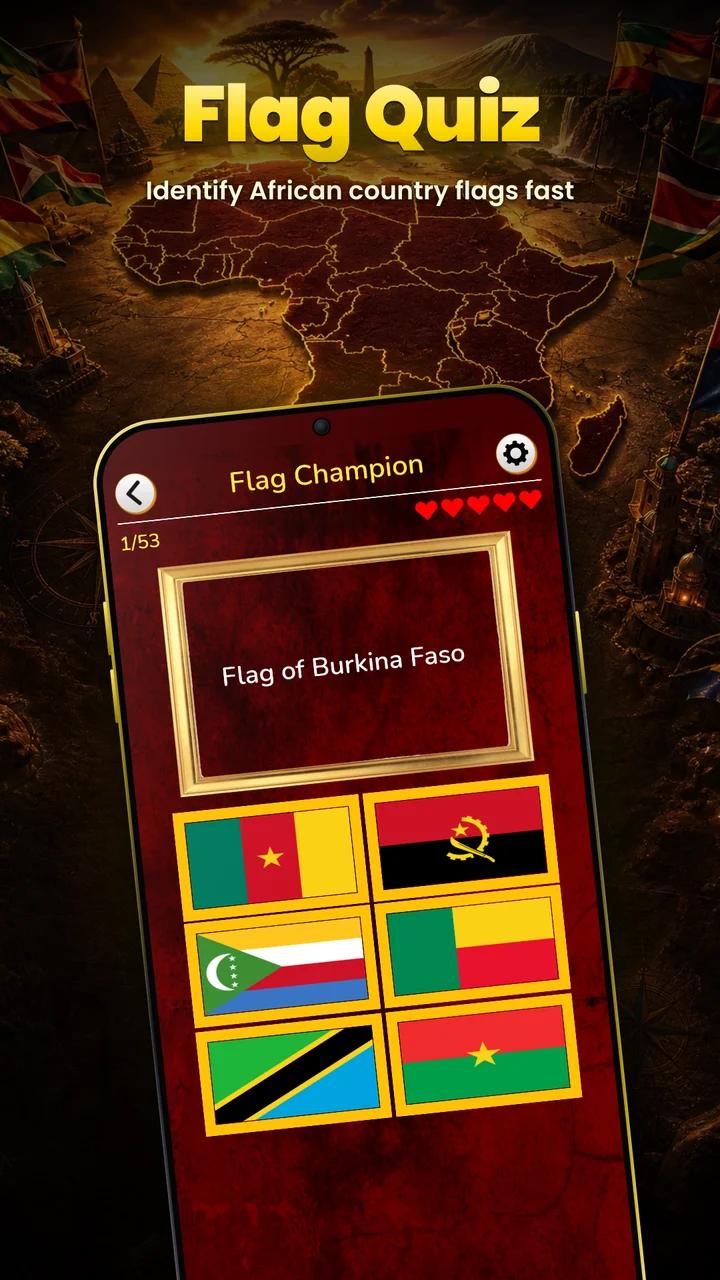
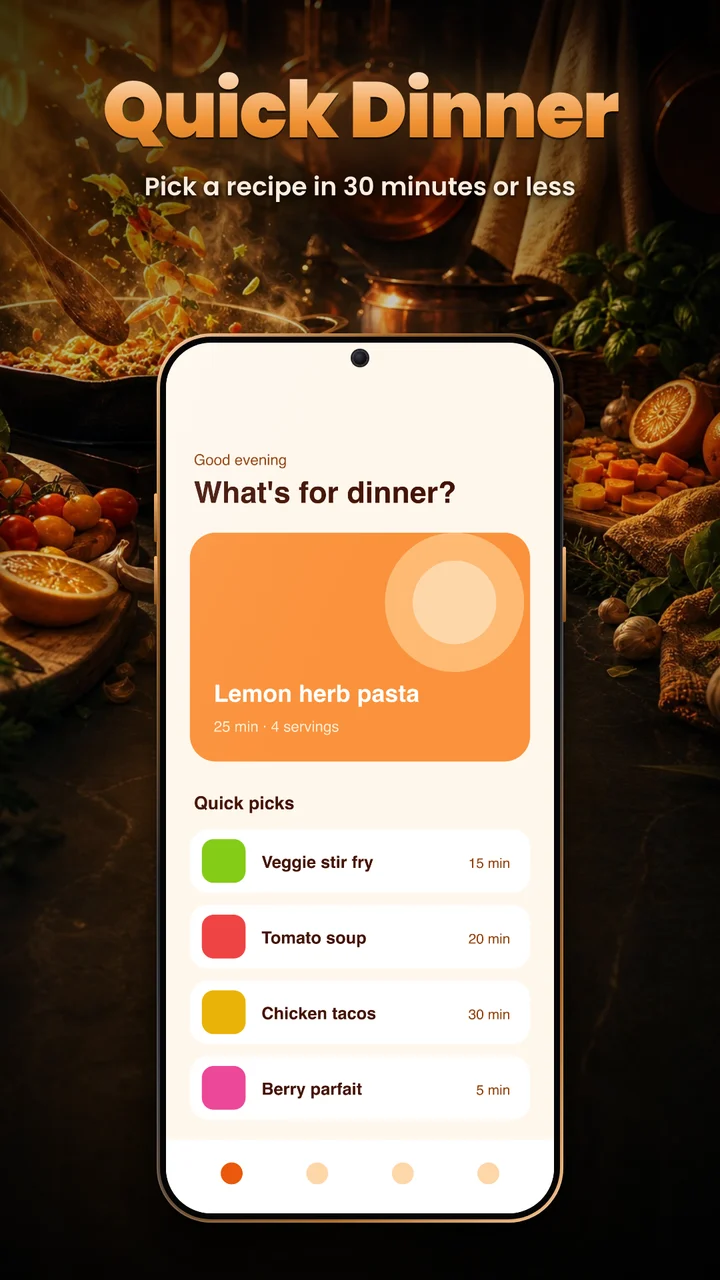
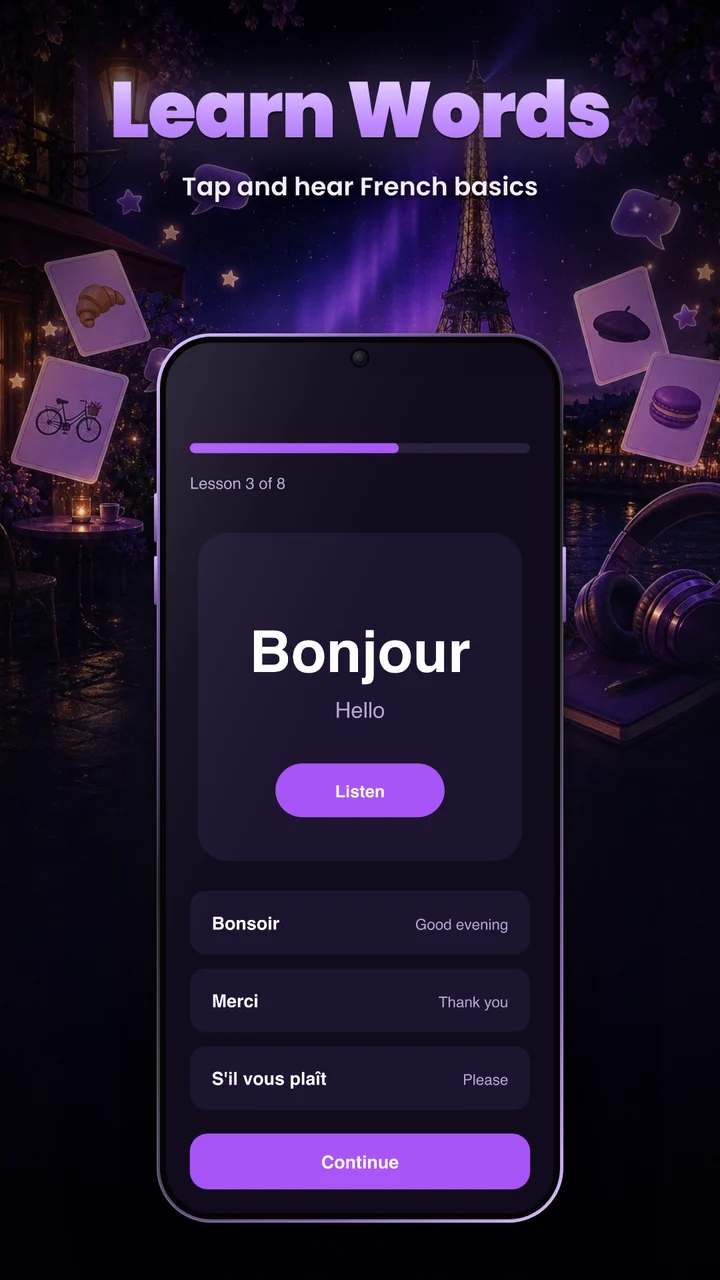
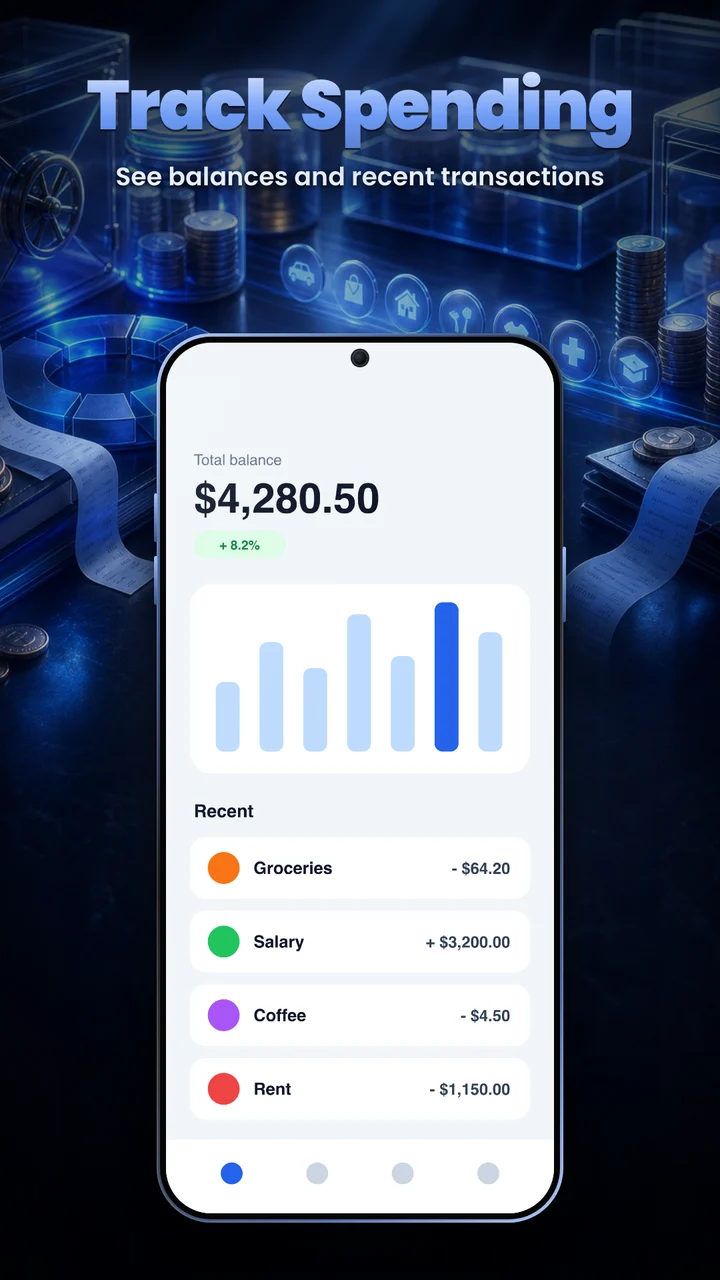
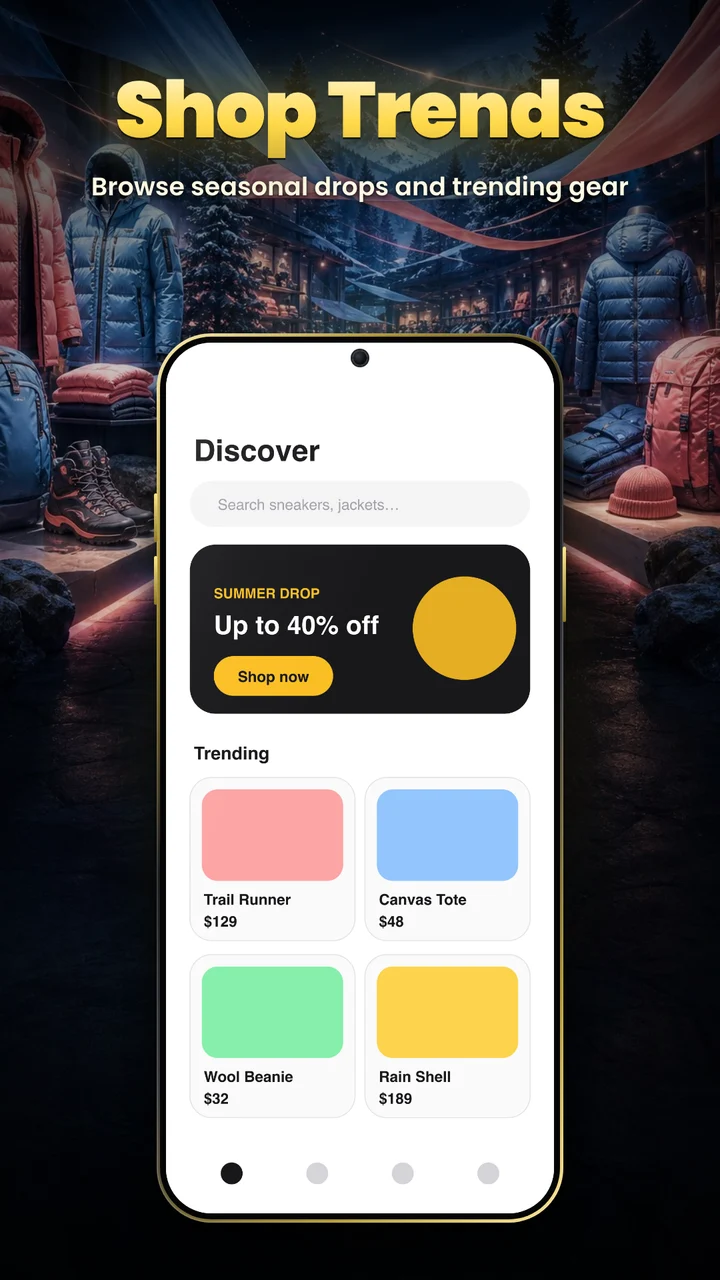
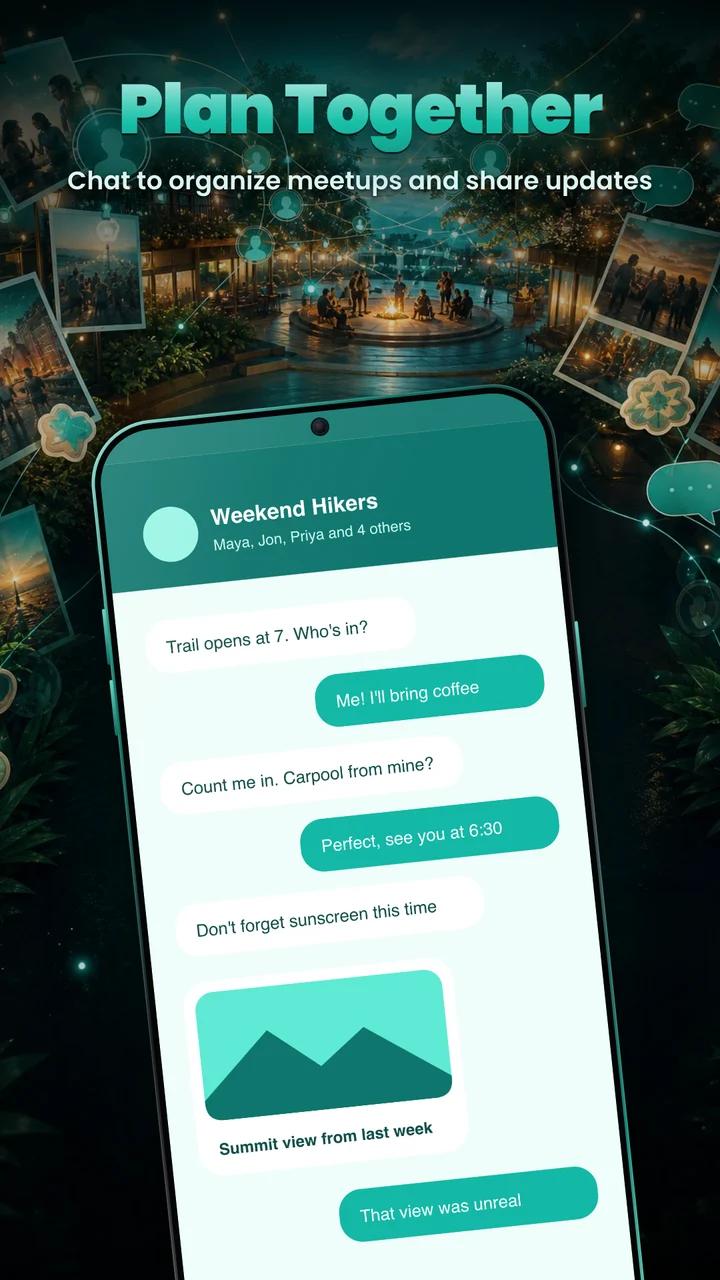
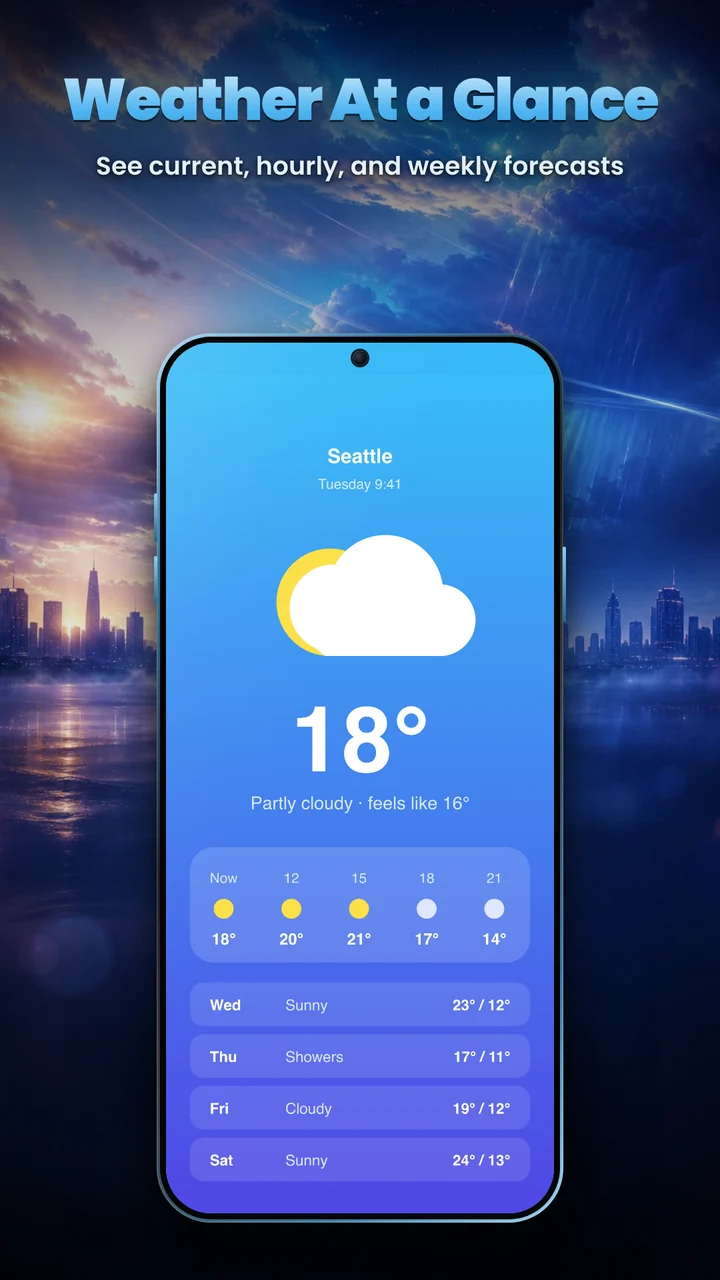
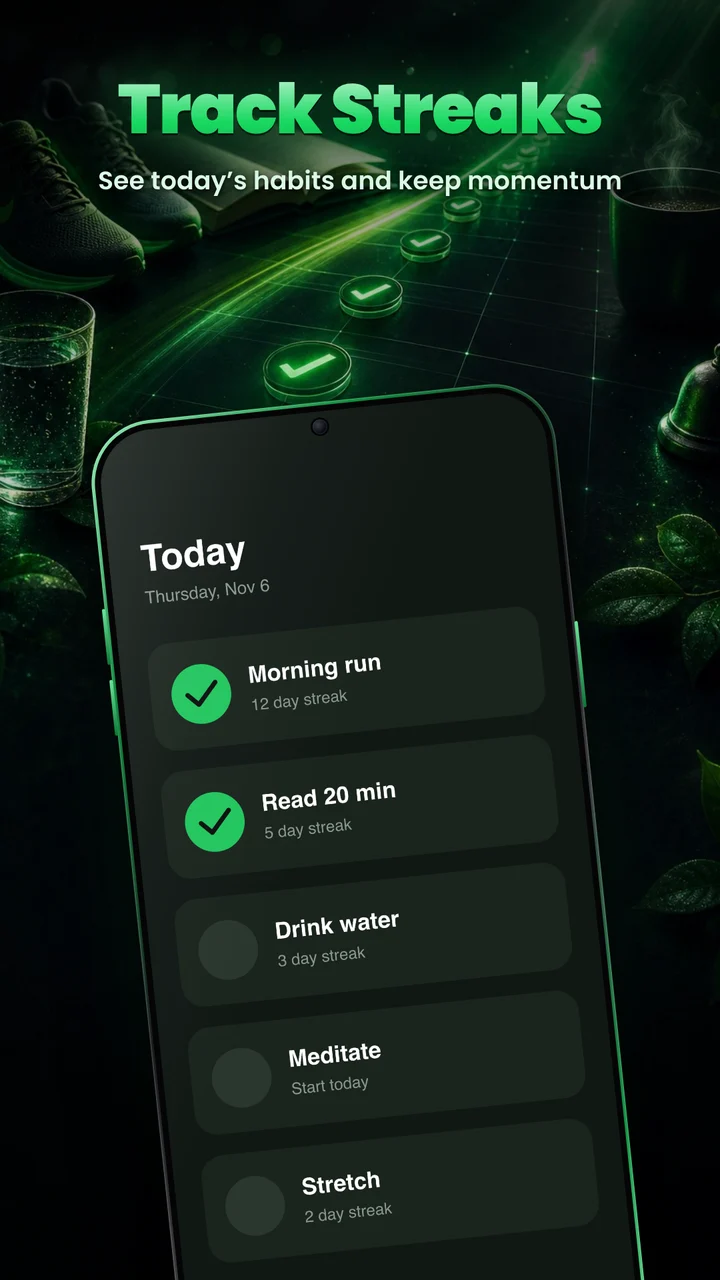
Every image below was made with LaunchKit AI from a plain screenshot: artwork matched to the app, an AI-written caption, and the screen set in a phone. The quiz game is a real app; the others are made up for the demo.
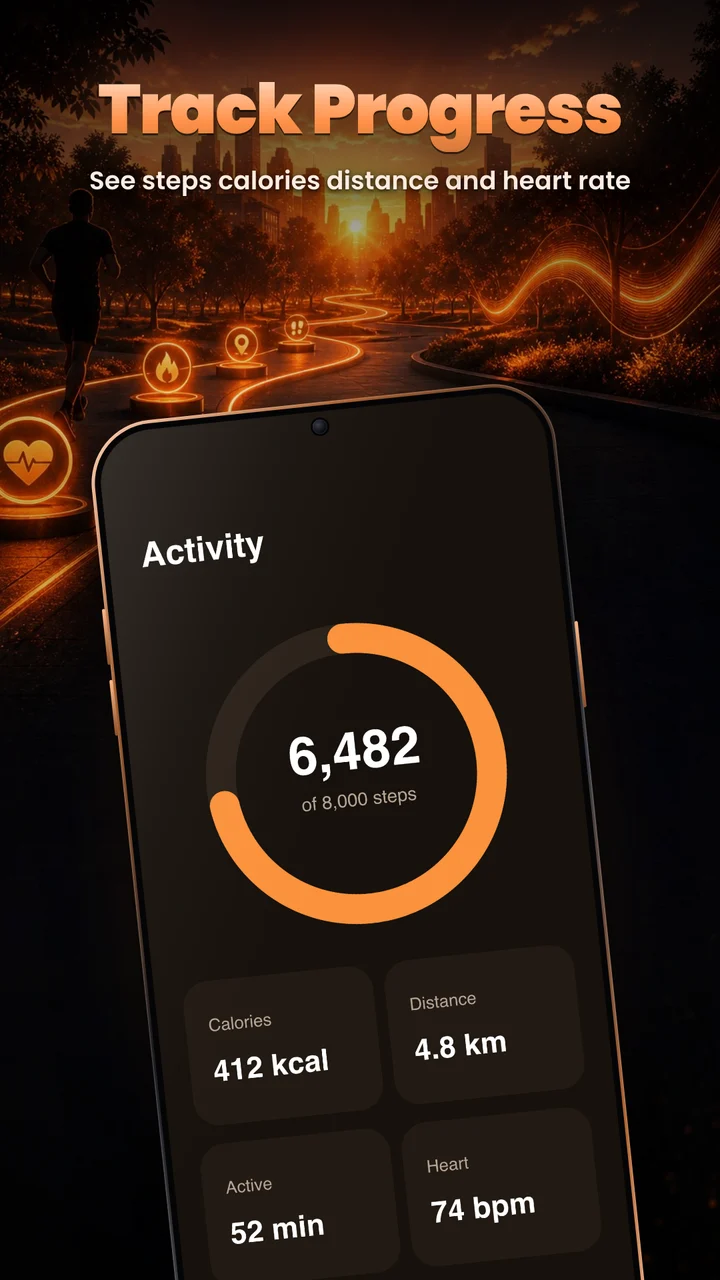
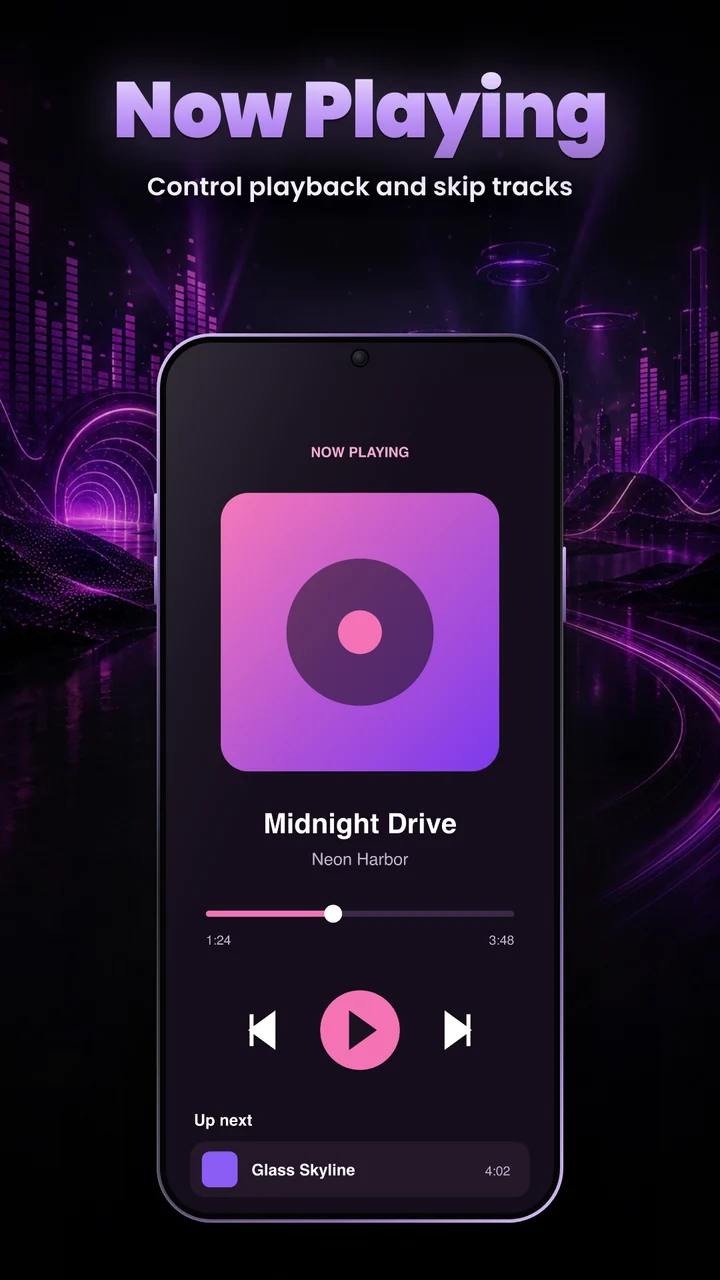
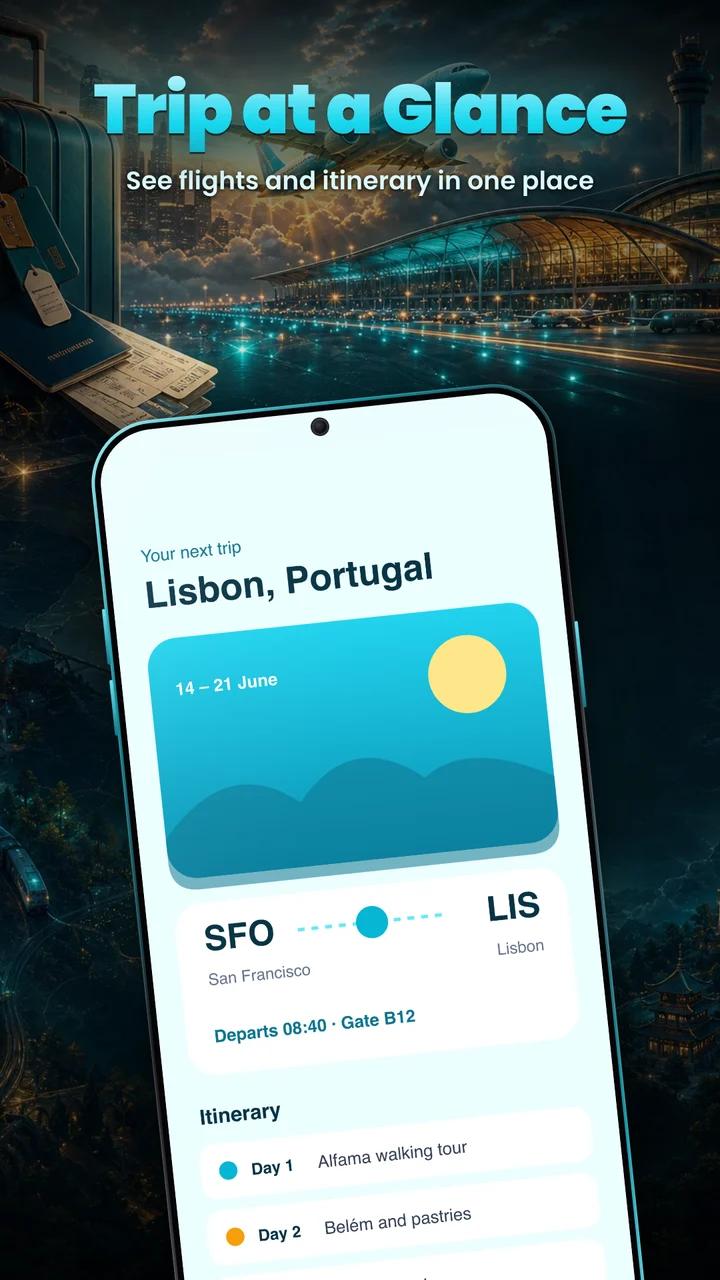
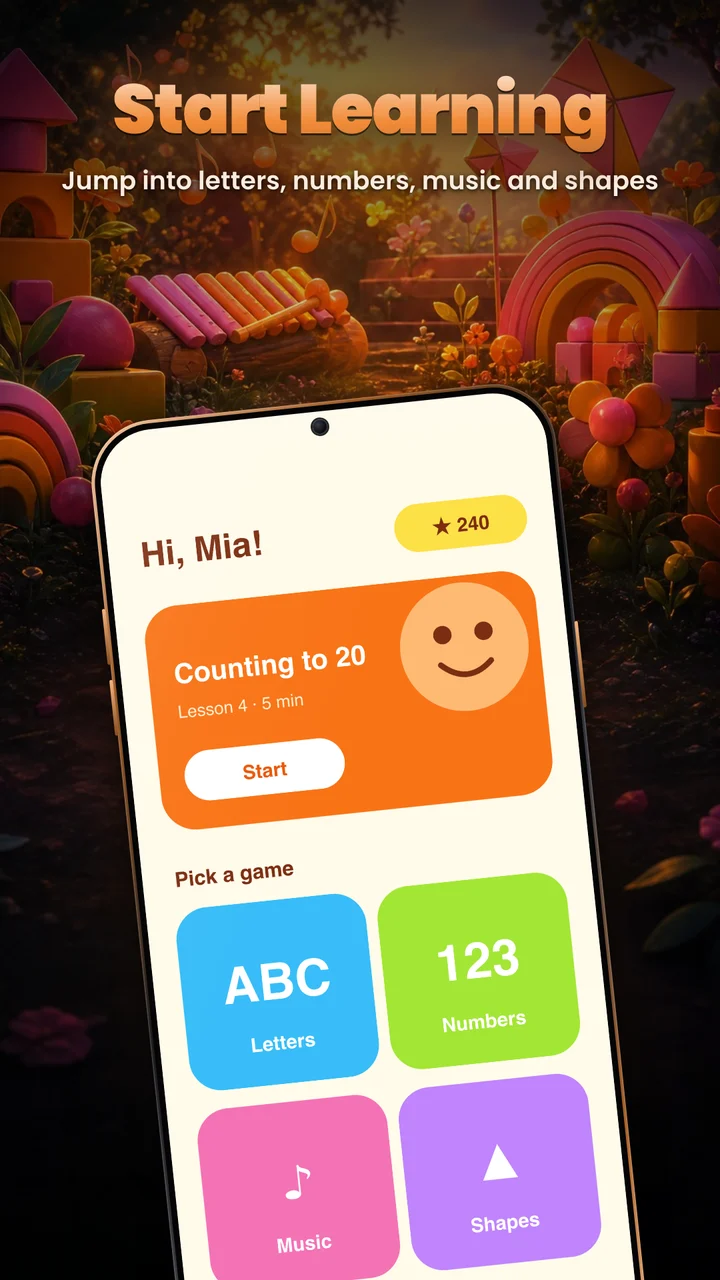
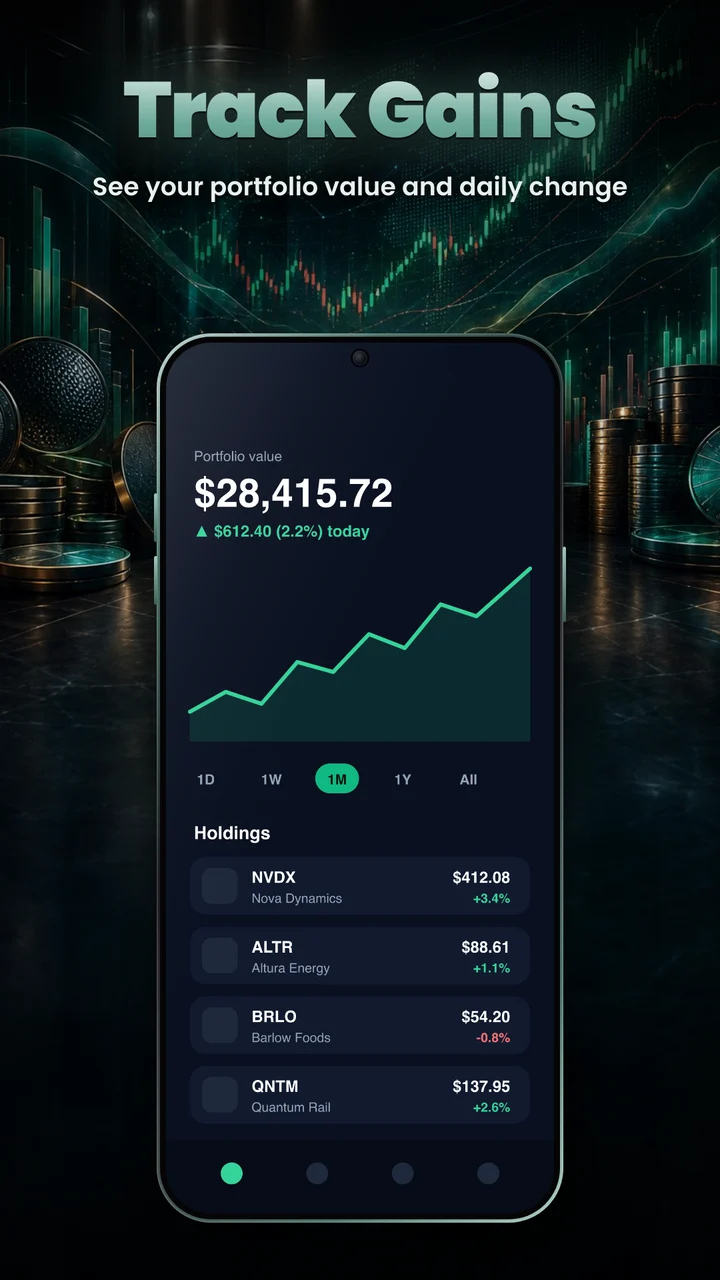
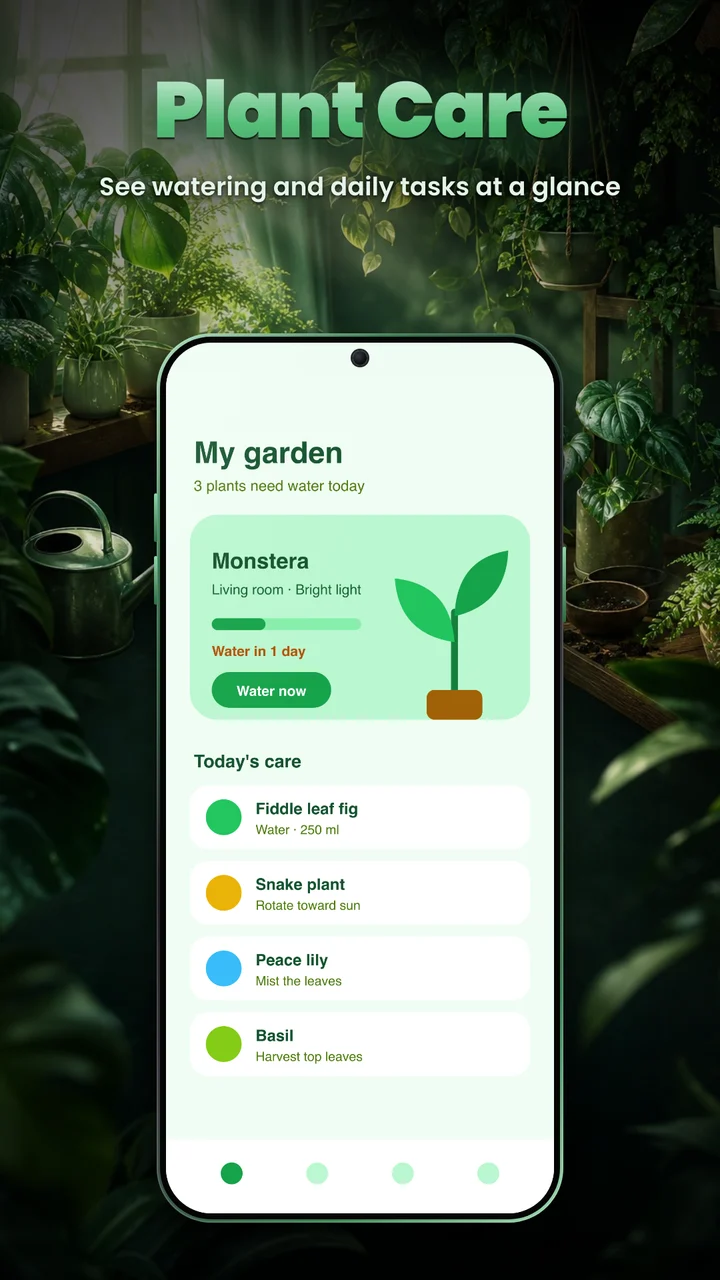
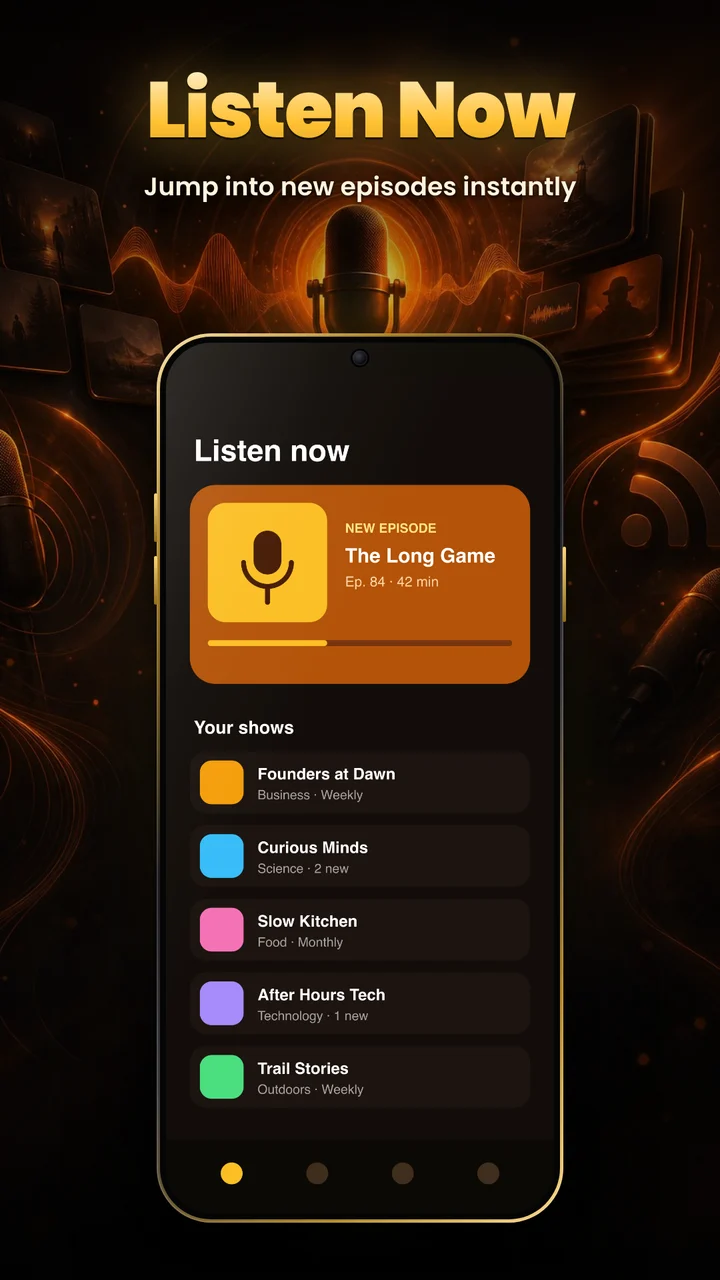
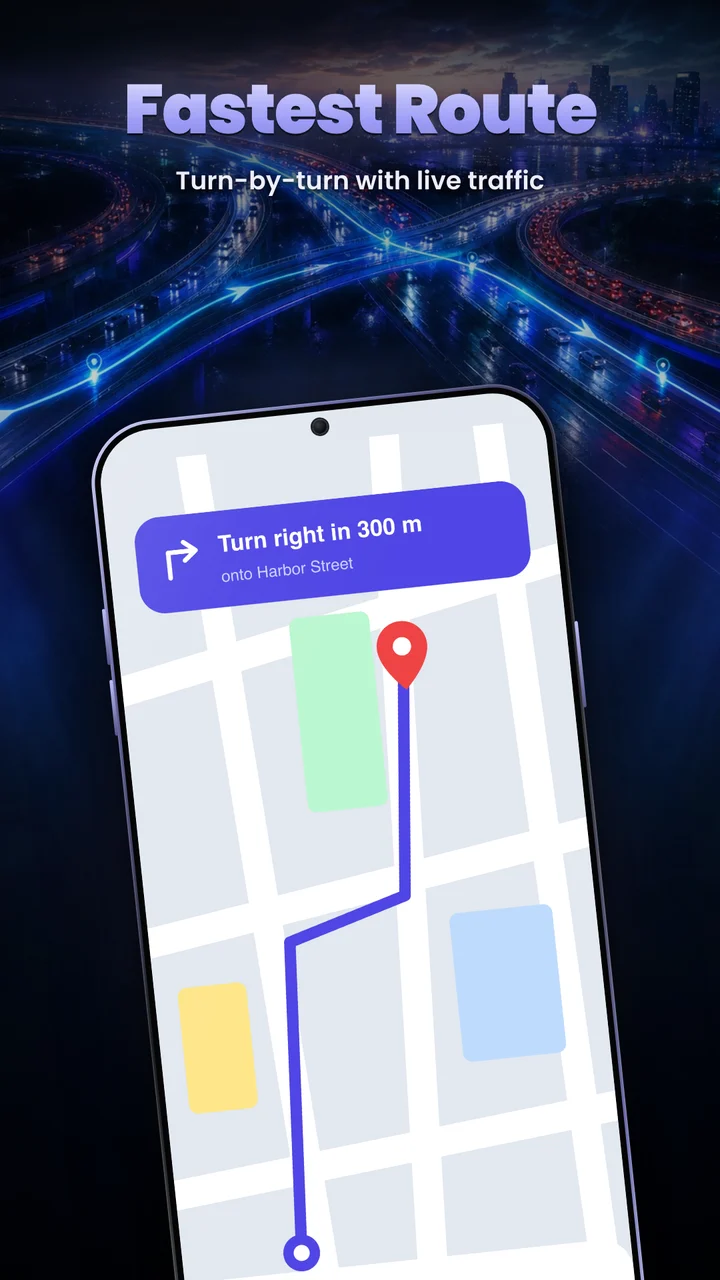
How each one is made
Step 1
Upload your screenshots
Plain captures from your app or simulator, plus its name and a one-line description.
Step 2
AI designs the scene
It works out what your app does, then gives each screen its own headline and artwork in one matching style.
Step 3
Download the set
Each screen comes back inside a phone on a finished 1080 × 1920 image, ready for the store.
Want to watch it happen? See the walkthrough videos →